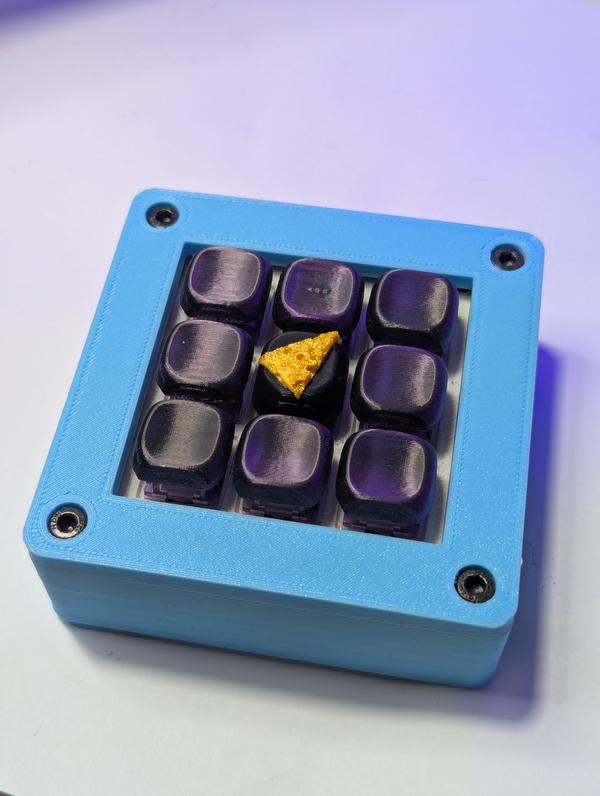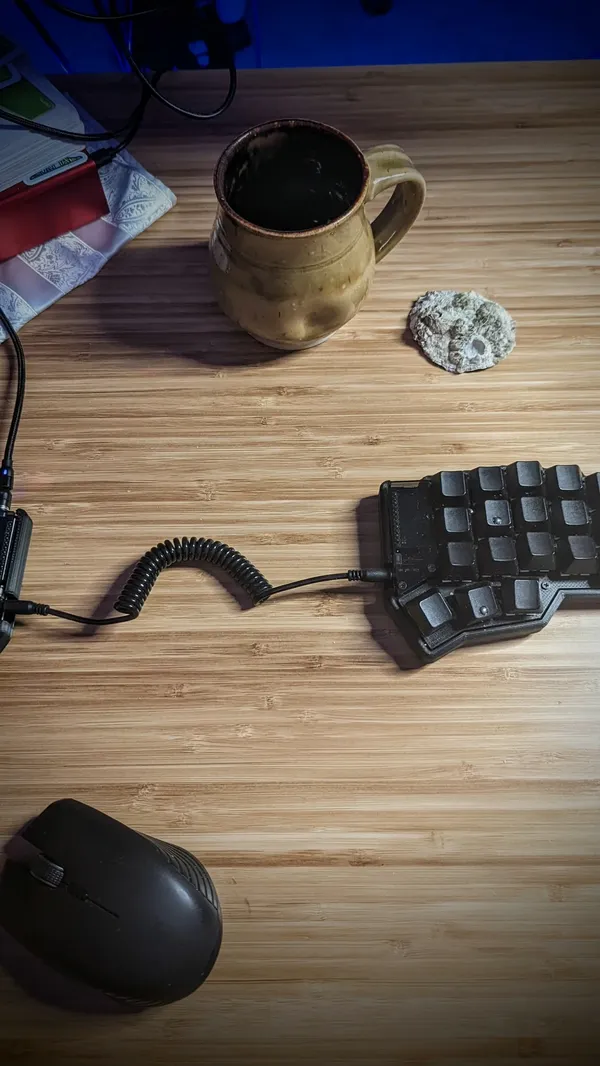

I’ve been having issue with my keyboard disconnecting to my main desktop for awhile. Today I got a cheap bluetooh dongle in and am giving it a run this week to see how things go. The first step was to move it to the new adapter. I’ve never had multiple adapters installed so this was a new to me process.
I was able to do it all with the same keyboard, It did require some juggling between usb and bluetooth modes pluging and unplugging, two keyboards would be simpler to reason about.
I can’t be bothered to change my brain to think about this machine on a different zmk profile it is of absolute importance for it to remain on the same profile, otherwise this would be a simple bind to another empty profile.
Why not use a cable on desktop?
I dont mind cable, and have used one on this setup for years, but I have actually been picking up and moving this keyboard and using it with different devices.
I’ve got a big battery and performace cranked up, unless my machine is under load I do not notice any key lag.
I did it with bluetoothctl, I’m sure it could have been done with a gui like
blueberry or blueman.
bluetoothctl
# list adapters
list
select <old-adapter>
devices
# fin the MAC address of the device 42BLOCK
remove <42BLOCK_MAC>
Now I plugged into usb. And importantly cleared out the zmk profile. If you do not clear the profile your board does not go into pairing mode.
bluetoothctl
# switch adapters
select <new-adapter>
power on
agent on
default-agent
scan on
Put 42Block in pairing mode, then:
pair <42BLOCK_MAC>
trust <42BLOCK_MAC>
At this pint I saw this show up in the logs, I think there was some masking issues or something in zmk, output kept going out usb no matter what so I disconnected the keyboard and typed the passkey in, and it worked.
[agent] Passkey: 540044
Boom, it just started working right away.
bluetoothctl
connect <42BLOCK_MAC>
info <42BLOCK_MAC>
scan off
exit