Trying Obsidian
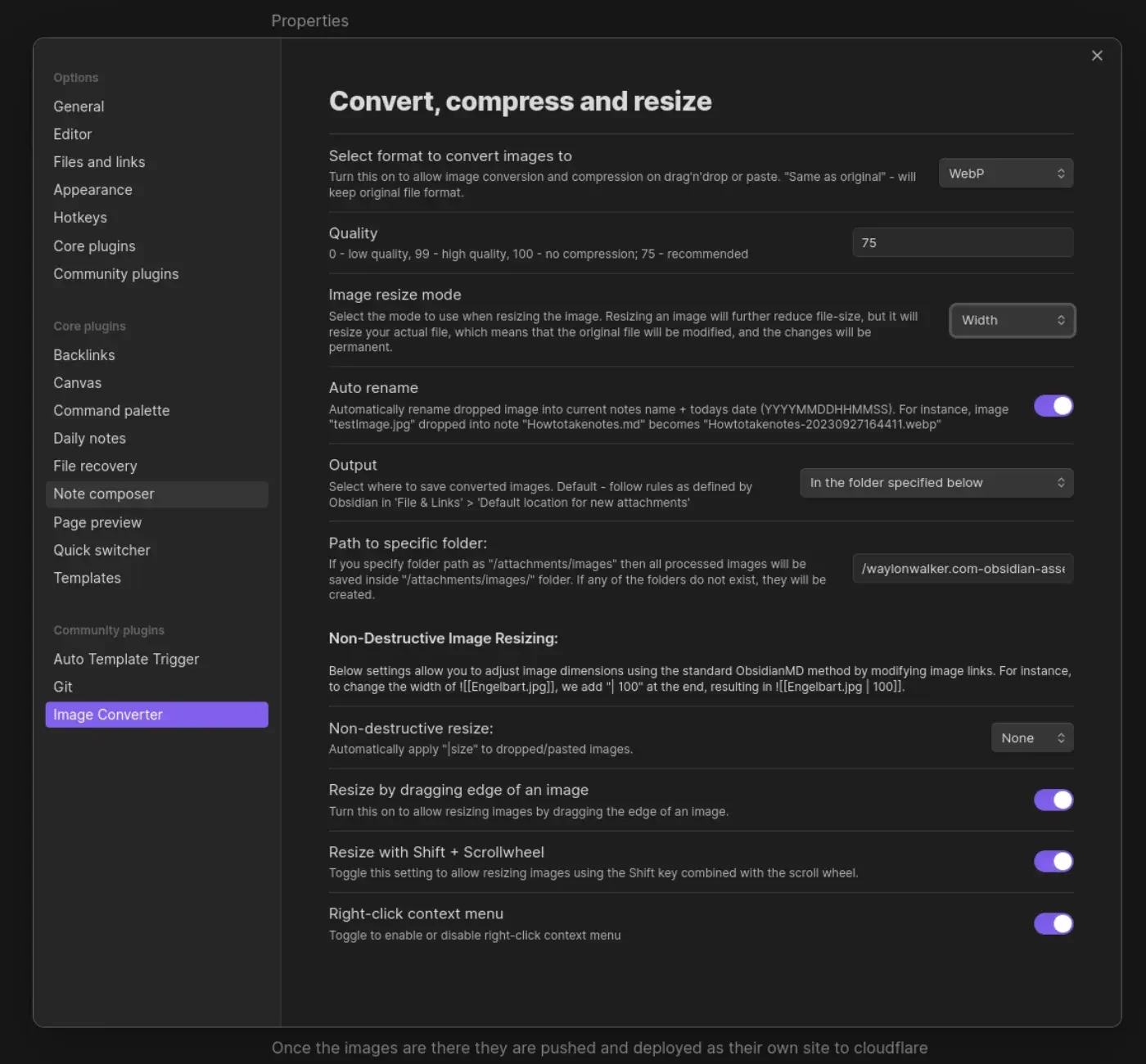
I am giving obsidian a try, this is a test post to learn the flow. Something that has been really hard for me for a long time is images, I don’t include a lot of images just because it takes so much longer just to get the post out. I store them in a separate repo, I need to resize and compress them for the web so they aren’t so big. Images are easy # This is my current wallpaper. I have more about my process in this post about Obsidian Image Converter. It’s still just markdown # I don’t know why it took me so long to understand this but obsidian is just markdown files. I pretty much just plugged in my existing blog and it picked up all the tags and was ready to run. I now get some nice visualizations to help me identify posts that were not ever tagged or maybe left unfinished. It leans hard on wikilinks # I just finished moving my backend over to md-it-python, which comes with some good wiliklink support. I even make a sick wikilink hover feature that previews wikilinks on hover. Insid…